Set your delay plugins for Polyrhythm Quantize settings with this Polyrhythm Delay Calculator
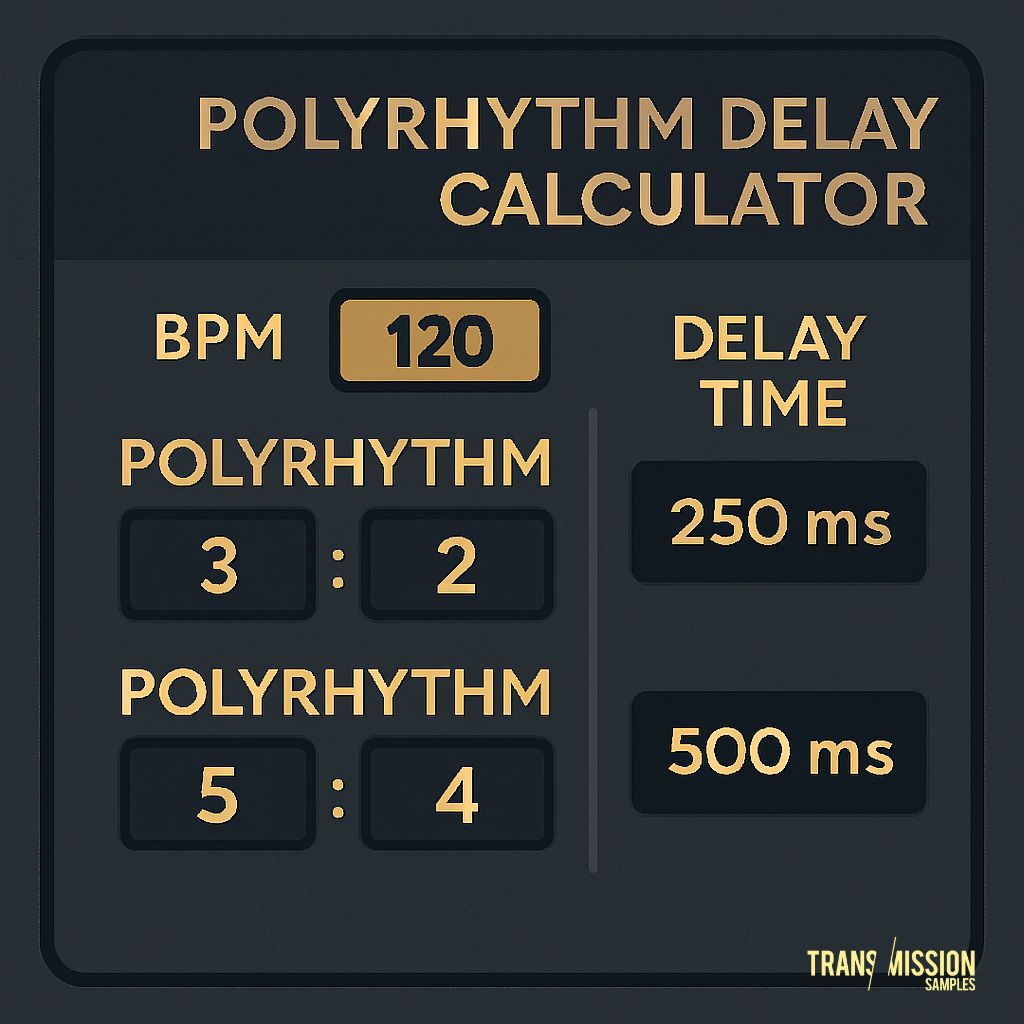
Want delay times that standard plugins won’t give you? This calculator works out the exact milliseconds for unusual rhythmic divisions — perfect for creating complex, evolving grooves that shift against your main beat. Enter your tempo, choose your rhythmic division, and instantly get timings for triplets, quintets, septuplets, and more.
How to Use this Polyrhythm Calculator
- Enter your project’s tempo (BPM).
- Select your base rhythmic division (e.g., 1/4, 1/8, triplet).
- Choose a polyrhythm ratio (e.g., 3, 5, 7) — or leave it as “None” for straight timing.
- Click “Calculate” to get your delay time in milliseconds.
- Use the result in your delay plugin, sampler, or hardware to create unique, off-grid echoes.
Result:
Enter a BPM and click Calculate
How to Use the Delay Time in Your VST?
Once you’ve calculated your delay time in milliseconds, open your delay plugin and look for the Delay Time or Time setting. Most VST delays have two ways to set timing:
- Sync Mode (Beats/Notes) – The delay is locked to your DAW’s tempo using musical values like 1/4, 1/8T, etc. To use polyrhythmic timings, you’ll need to turn sync off so you can enter milliseconds manually.
- Free Mode (Milliseconds) – Here you can type in the exact value from the calculator. Some plugins let you enter it directly; others use a knob or slider, so you may need to adjust until the display matches your calculated value.
Once set, play your track and listen to how the echoes drift in and out of the main beat.
You can experiment by:
- Setting different delay times for left and right channels for wider stereo movement.
- Combining a standard synced delay with a polyrhythmic delay for layered rhythms.
- Automating the delay time for evolving patterns.
What is a Polyrhythm Delay?
A polyrhythm delay is when two or more rhythms with different subdivisions play together. By setting your delay time to a value that doesn’t match the main beat division, echoes weave in and out of the main groove — creating movement, tension, and unpredictability. You’ll often hear this in techno, minimal, experimental electronica, ambient, and cinematic sound design.
Benefits of Using a Polyrhythm Delay
- Creative depth: Add evolving textures and movement to your tracks.
- Unique grooves: Step away from predictable delay patterns.
- Perfect timing: Get precise millisecond values without guesswork.
- Any genre: Works for hypnotic techno, lush ambient, or experimental beats.
Try with Your Music
Experiment with different BPMs and polyrhythm ratios to find hypnotic, mathematically precise grooves. If you want instant inspiration, check out our Polyrhythm MIDI Pack.
Ready-made rhythmic patterns for quick creativity.
For a plugin version, PolyRhythm Delay XL by 2B Played offers built-in FX and extra control, making it even easier to explore complex rhythmic delays.
We wish you happy hypnotic arrangements.
Peace!