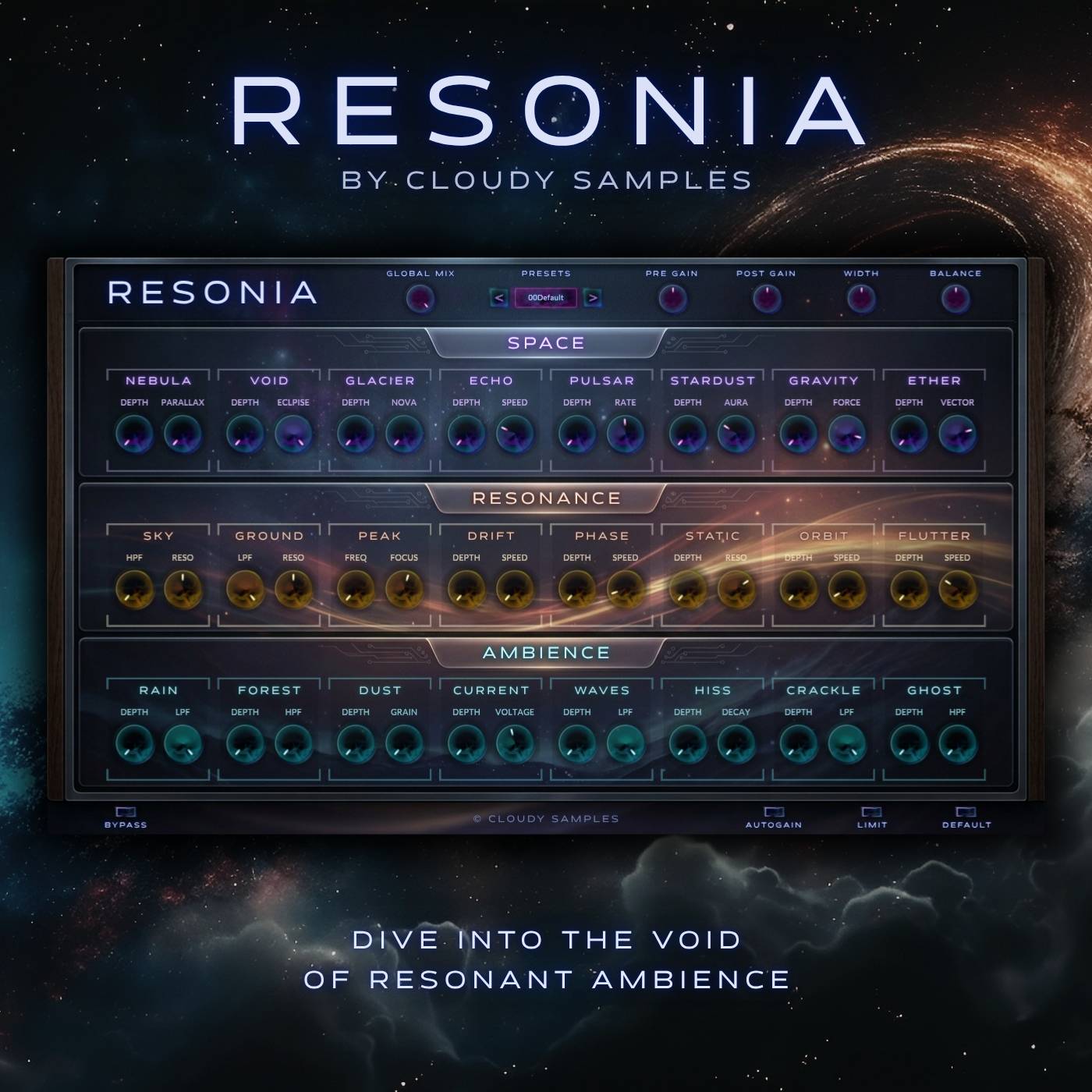
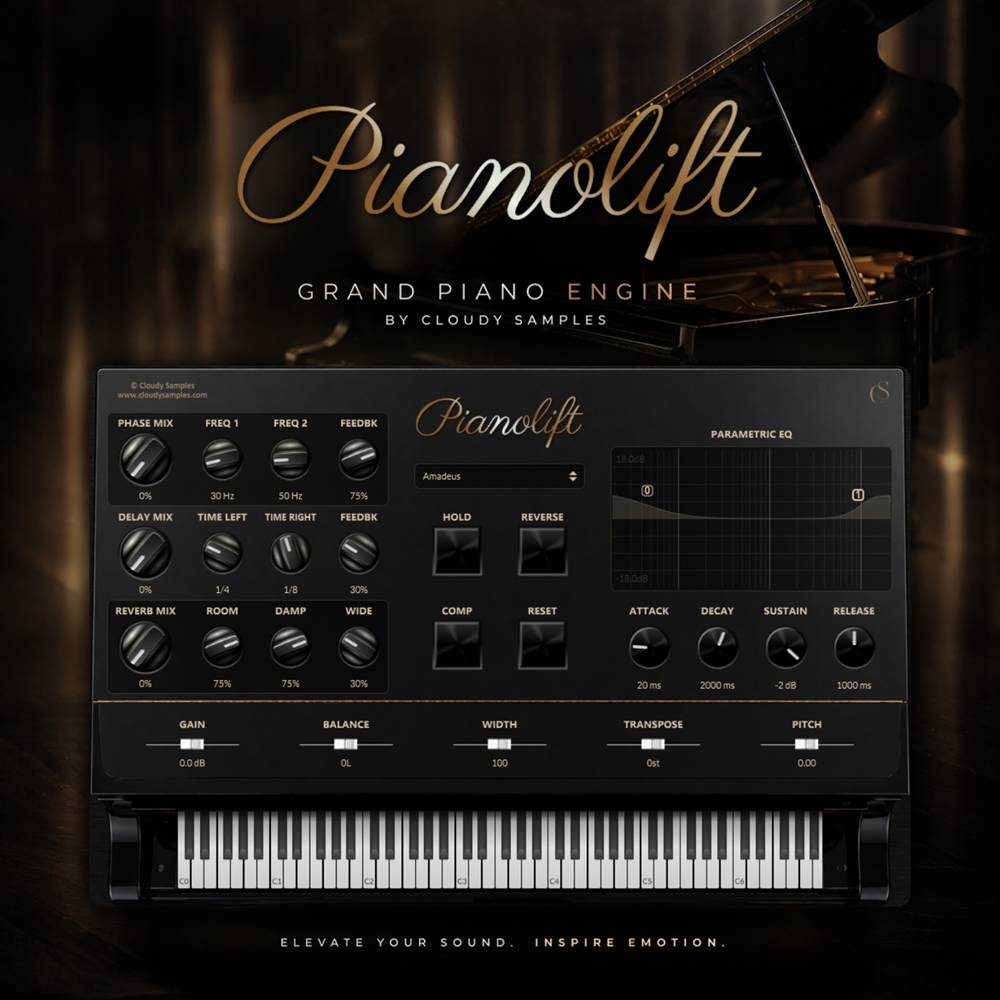
VST plugins are software tools that operate inside a compatible Digital Audio Workstation. They can be used to generate sounds, process audio, create effects, control MIDI or improve specific parts of the production process.
The collection will expand as new instruments, effects and production tools are added. Some products may also support additional plugin formats, such as AU, depending on the developer and operating system.
Types of Music Production Plugins
This category is designed to cover a range of plugin types, including:
- Virtual instruments for creating synths, basses, keys, pads, leads and other sounds
- Audio effects for processing, mixing and transforming audio
- Creative effects for modulation, movement, distortion, delay, reverb and sound design
- MIDI tools for generating or controlling chords, melodies, rhythms and patterns
- Mixing plugins for shaping dynamics, tone, stereo width and overall balance
- Utility plugins designed to make common production tasks quicker or easier
Rather than filling the category with similar tools, the aim is to offer plugins with a clear purpose and features that are genuinely useful during music production.
Virtual Instruments and Synth Plugins
Virtual instruments generate sound directly inside your DAW. Depending on the product, this could include synthesizers, sample-based instruments, drum machines, bass instruments, keyboards or more experimental sound generators.
A good virtual instrument should provide useful starting sounds while still giving you enough control to shape them around your own track. Product pages will explain the included presets, sound engine, modulation options and other important features.
Audio Effects and Creative Processing
Audio effect plugins process an existing sound rather than generating one. They can be placed on individual instruments, buses, vocals or the master channel, depending on the intended use.
These may include familiar mixing tools such as equalisation, compression, saturation and limiting, alongside more creative processors for adding movement, space, texture, distortion or unusual effects.
Choosing the Right VST Plugin
Before buying a plugin, consider what you need it to do within your existing setup. A large feature list does not always make a plugin more useful. In many cases, a focused tool with a clear workflow can be more valuable than a complicated plugin with controls you rarely use.
It is also important to check:
- The supported plugin format, such as VST3 or AU
- Whether it supports Windows, macOS or both
- Compatibility with your version of Ableton Live, FL Studio, Logic Pro, Cubase, Studio One or another DAW
- Processor, memory and storage requirements
- Whether an account, serial number or internet connection is required for activation
- Whether the plugin includes presets, expansions or additional downloadable content
All relevant compatibility information will be included on the individual product page. We recommend checking this information before purchasing, particularly when using an older operating system or DAW version.
Plugin Formats Explained
VST is a widely used plugin format supported by many major DAWs. Newer plugins commonly use the VST3 format, although the exact formats supplied will depend on the individual product.
Some macOS products may also include an AU version for use in compatible Apple software. Not every format works in every DAW, so the product requirements should always be checked before downloading.
Installing VST Plugins
The installation process varies between products. Some plugins use a standard installer, while others require files to be placed in a specific plugin folder. Certain products may also use a license manager or serial-number activation system.
Installation and activation instructions will be supplied with each plugin. After installation, you may need to rescan your plugin folders from within your DAW before the new plugin appears.
Using Plugins in Commercial Music
The license supplied with each plugin will explain how the software and any included content can be used. Commercial-use terms, installation limits and restrictions may differ between developers, so these details should be checked on the product page and within the accompanying license agreement.
Frequently Asked Questions
What is a VST plugin?
A VST plugin is a software instrument, audio effect or production tool that runs inside a compatible DAW. Plugins can generate sound, process recordings, control MIDI or perform other specialised production tasks.
Will VST plugins work in every DAW?
No. Compatibility depends on the plugin format, operating system, computer architecture and DAW version. Always check the individual product requirements before purchasing.
What is the difference between a VST instrument and a VST effect?
A VST instrument generates sound and is normally controlled using MIDI notes. A VST effect processes an existing audio signal, such as a vocal, drum track, synthesizer or full mix.
Do I need a DAW to use a VST plugin?
Most plugins require a compatible host application, usually a DAW. Some products may include a standalone version, but this will be stated clearly within the product information.
Can I use a VST plugin on more than one computer?
This depends on the developer's license and activation system. The permitted number of installations will be explained within the relevant product information or license agreement.
Are plugin updates included?
Update policies vary between developers. Information about updates, support and future versions will be provided where available.
Our VST plugin collection will continue to grow as new instruments, audio effects and music production tools are introduced.